 TokAllity
TikTok LIVE tools that run on your computer
Gifts trigger sounds, alerts and OBS scenes. Viewers collect points, spin the wheel and request songs. Free, no subscription.
Windows 10 and 11. Free. Not affiliated with TikTok.
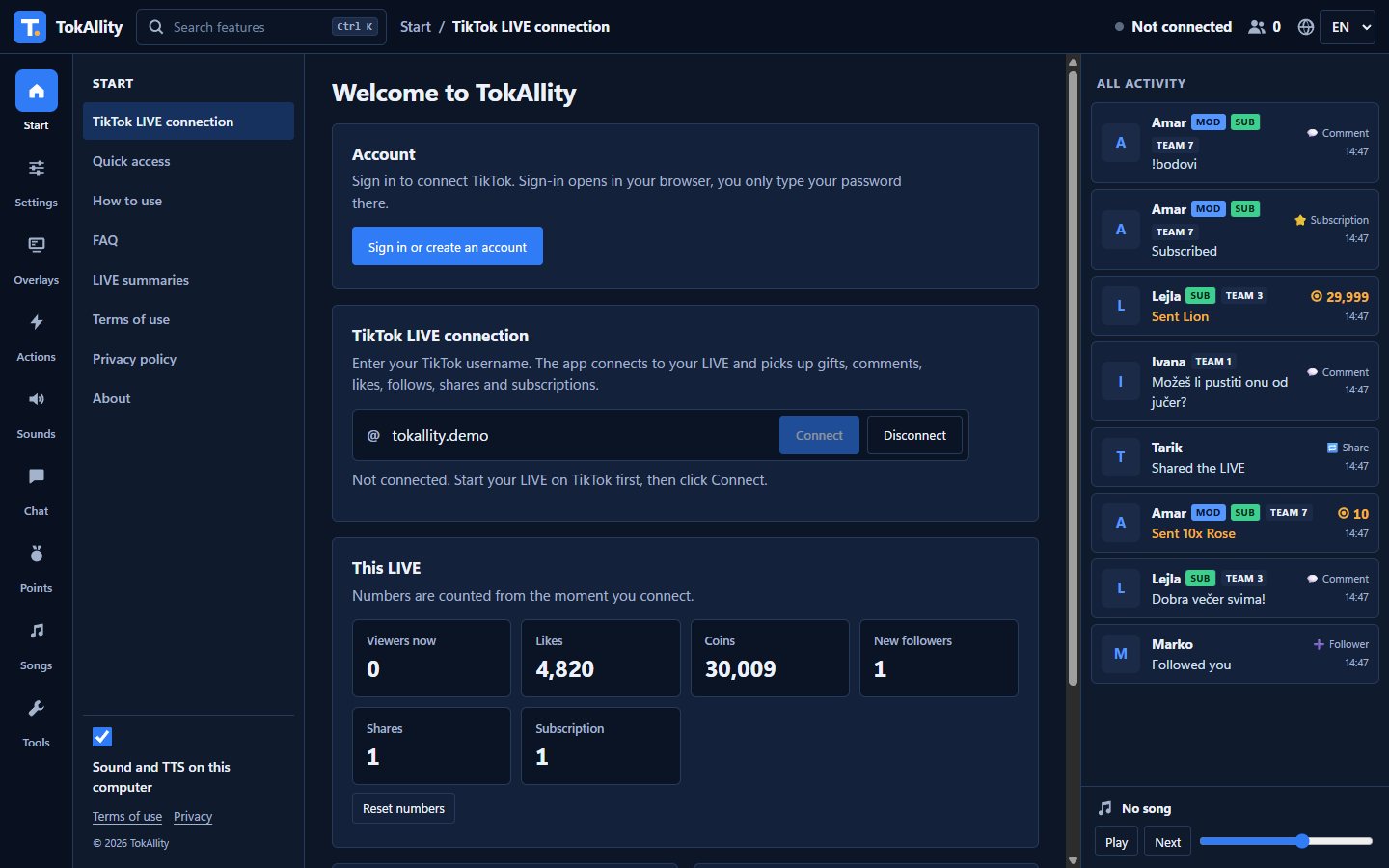
What it does
Create a free account and connect with your TikTok username. Everything else is set up in the app, in English or Croatian.
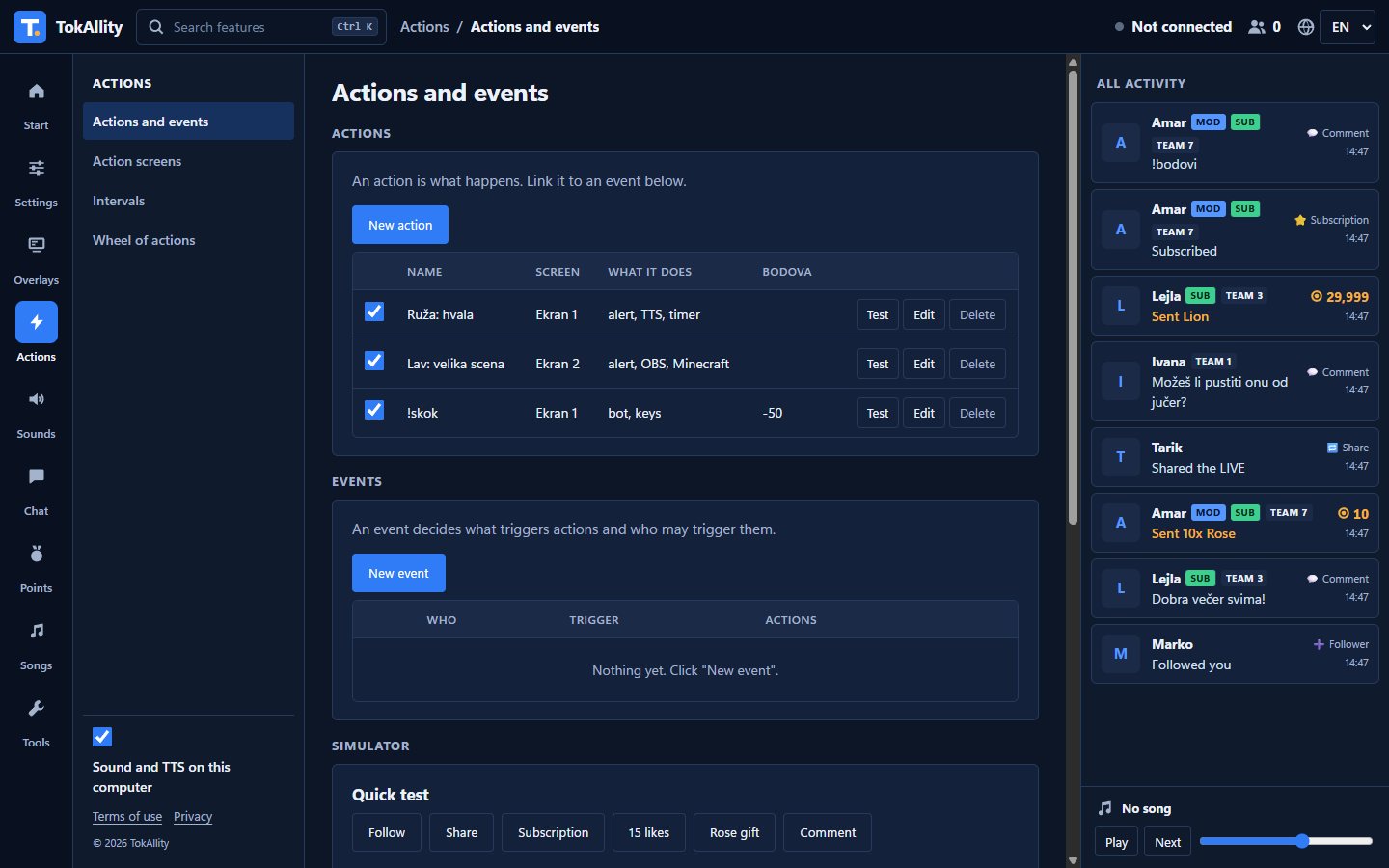
Actions and events
Choose what triggers an action (gift, coin amount, likes, command, follow) and who may trigger it. An action can show a picture, video or alert, play a sound, read text aloud, send keystrokes, switch an OBS scene, send a Minecraft command or run Streamer.bot.
Comments read aloud
Windows voices read the chat. You choose who may use it, which messages, a cost in points, special voices and spam protection.
Sound alerts
A sound on a gift, follow or command. Several sounds on one trigger play at random, and each can have a keyboard shortcut.
Points and levels
Viewers earn points for gifts, likes, comments and follows. Subscribers get a bonus. Points are virtual.
Games for viewers
Wheel of fortune, wheel of actions, points rain, gift auction and a challenge where everyone starts from zero.
Timer and goals
A likeathon timer extended by gifts and likes. Goals for likes, coins or followers, with a deadline and countdown.
Song requests
Viewers send a YouTube link with a command. You control the queue, cost and limits.
OBS, Minecraft and Streamer.bot
Switch scenes and sources in OBS, send commands to a Minecraft server over RCON and run Streamer.bot actions.
A summary of every LIVE
When a LIVE ends, its duration, likes, coins, new followers and top gifter are saved.
Blocked words
Comments with words you choose are not read aloud and do not show in overlays.
TikTok account check
A code you type in your own LIVE chat proves the TikTok account is yours, so nobody else can claim it.
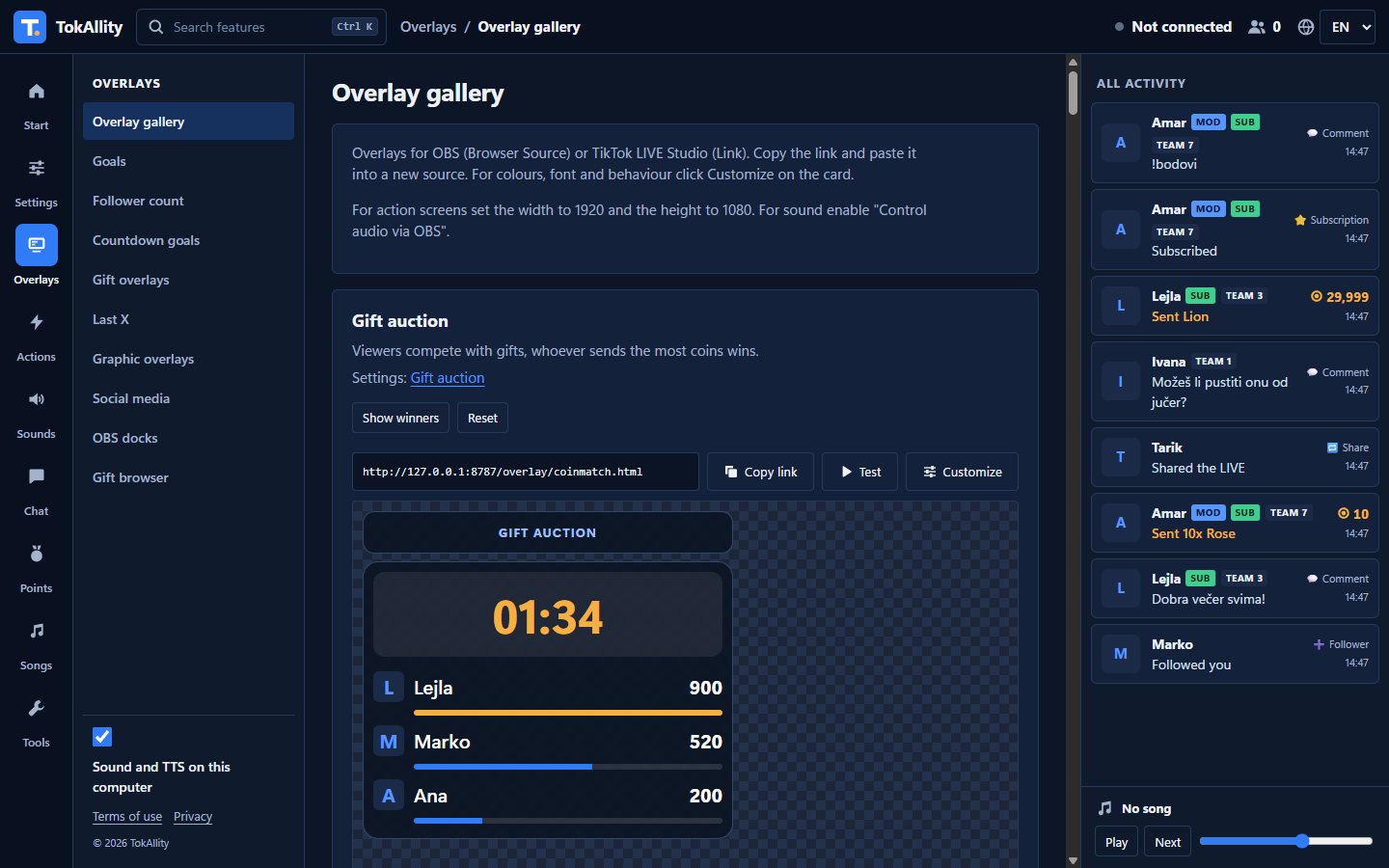
34 overlays for OBS
Each overlay is a link you add as a Browser Source. The background is transparent and the text follows the app language.
Getting started
Download and start TokAllity
A Windows installer. Create a free account and confirm your email.
Go LIVE and enter your username
The app connects to your LIVE and shows gifts, comments and follows right away.
Add overlays to OBS
Copy an overlay link, paste it as a Browser Source and try it in the simulator.
Your data stays with you
- Account with just an emailConnecting to TikTok needs a free account: email and password. We ask for nothing else.
- Stored on your computerSettings, the viewer list and points are in a folder on your computer. We do not receive them.
- No trackingNeither the app nor this website uses analytics, tracking cookies or ads.
- Protected local serverOther websites cannot send commands to the app or read your events.
Frequently asked questions
Is TokAllity affiliated with TikTok?
No. TokAllity is an independent tool and reads only the public events of your LIVE. TikTok is a trademark of ByteDance Ltd.
How much does it cost?
Nothing. There is no subscription and no paid add-ons.
Do I need OBS?
For overlays, yes. Comments read aloud, sound alerts and points also work without OBS.
Does it work on Mac or mobile?
For now only on Windows 10 and 11.
Can points be exchanged for money?
No. Points are virtual and only for fun on stream. If you link them to real prizes, it may count as a game of chance that needs permits.
What if TikTok changes something?
The connection uses an unofficial interface. If it stops working, a fix comes in a new app version.
Download TokAllity
Version 0.2.0 for Windows 10 and 11. Free. Connecting to TikTok needs a free TokAllity account.
The installer is not digitally signed yet. If Windows shows a warning, click "More info", then "Run anyway".